
There are two types of on-page SEO articles. The ones that tell you “create quality content and optimize your title tags,” and the ones that explain exactly how to do it, what data backs each decision, and why one tactic matters more than another.
This one tries to be the second type.
One thing worth saying upfront: on-page SEO isn’t the checklist of things you do before hitting publish. It’s the set of signals you send Google about what your page is, who it’s for, and whether it deserves to rank. Some of those signals are direct (the title tag, the H1, schema markup). Others are consequences of getting the first ones right (CTR, time on page, backlinks that come in on their own).
What follows covers the 15 tactics with real, measurable impact, in order of priority.
1. The title tag: your one second to convince Google and the user
The title tag is the on-page element with the most direct weight on rankings. It’s also the first thing a user sees in the results. It has to do two things at once: tell Google what the page is about and convince the person to click.
The most important rule is simple: put the primary keyword as close to the beginning as possible. Correlation studies show that front-loaded keywords in the title generate 24% higher CTR than the same keywords placed at the end (Backlinko, analysis of 4 million searches).
What works in practice:
- Between 50 and 60 characters to avoid truncation on desktop (68% of titles get cut off on mobile when they exceed this length)
- A number in the title whenever it makes sense: “15 tactics” has higher CTR than “The best tactics”
- A year when the topic has a freshness component: a title with the current year can lift CTR by 15-25% on queries where recency matters
- The keyword in the title shouldn’t be repeated identically in the H1 — vary the phrasing
One honest note: Google rewrites the title tag in more than 60% of cases according to its own data. That doesn’t mean it’s not worth optimizing — it means the clearer and more specific you make it, the fewer reasons you give Google to change it.
2. The meta description doesn’t rank, but it sells the click
Google has been telling us for years that the meta description isn’t a direct ranking factor. That’s correct. It also doesn’t matter much, because a well-written meta description can take a page’s CTR from 2% to 7% without changing a single line of content.
The mechanism is indirect but real: more clicks on your result tell Google that your page matches the search intent, which eventually improves your position. It’s a self-reinforcing loop.
How to write one that works:
- Between 140 and 160 characters (Google truncates above that)
- Include the primary keyword, which will appear in bold when it matches the user’s search
- Implicitly answer the question the user will be asking: “why do I click this and not the next result?”
- A specific CTA helps: “learn how to…”, “find out…”, “step-by-step guide to…”
- No clickbait: a sensational title with flat content generates bounce, and bounce destroys rankings
3. Search intent: the factor Google weighs above everything else
You can have the keyword perfectly placed, the title optimized, and schema implemented. If the page content doesn’t match what the user expects to find when they make that search, you won’t rank.
In 2026 Google evaluates what they call “intent satisfaction depth”: did the user solve their problem in a single visit? Or did they return to the results to keep searching? The signal of going back to the results after landing on your page (known as pogo-sticking) indicates your content didn’t deliver on its promise.
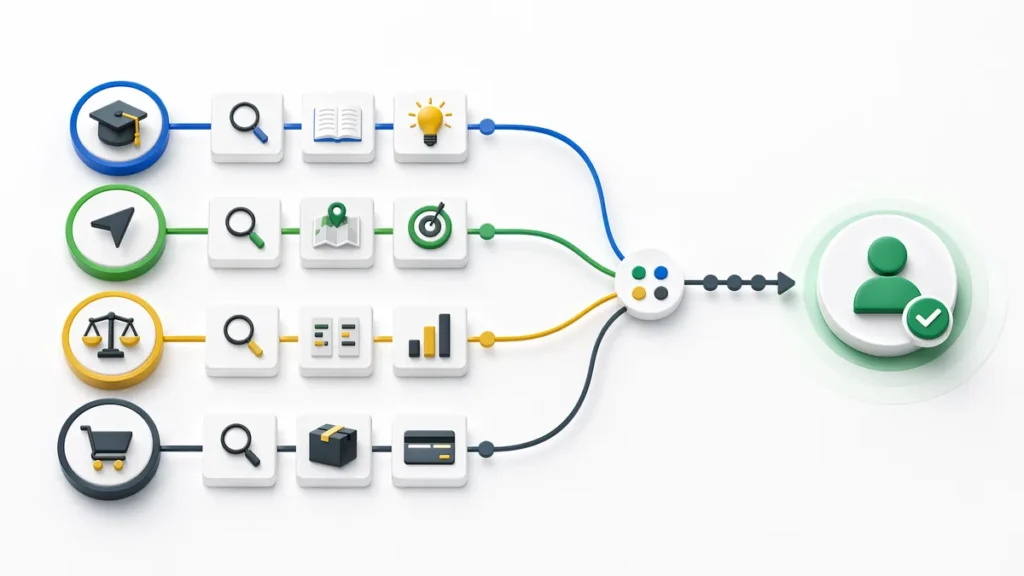
Search intent breaks down into four basic types:
| Type | What the user wants | Format that works |
|---|---|---|
| Informational | Learn something | Guide, explainer article, tutorial |
| Navigational | Find a specific site | Brand or product page |
| Commercial | Research before buying | Comparisons, reviews, use cases |
| Transactional | Buy or subscribe | Product page, landing page |
The most common mistake is creating a transactional page for an informational keyword, or vice versa. Before writing a single word, search the keyword in Google and look at the type of pages in the top 5. That tells you exactly what Google expects you to offer.
4. The H1: one thing, said well
The H1 is the main heading on the page. There should be exactly one. Not two, not zero (yes, there are sites with no H1). One.
Its job is to confirm to Google that the page content matches what the title tag promises. It doesn’t have to be identical to the title — in fact it’s better if it isn’t — but it needs to include the primary keyword or a close semantic variant.
What the H1 should not do: try to fit three keywords at once, be a generic phrase like “Welcome to our website,” or run longer than 70 characters.
One practice that works well: start with the primary keyword and then add the benefit or differentiator. “On-Page SEO: 15 Tactics That Actually Impact Rankings” is a better H1 than “The Best On-Page SEO Best Practices for 2026.”
5. Heading structure: the table of contents Google needs
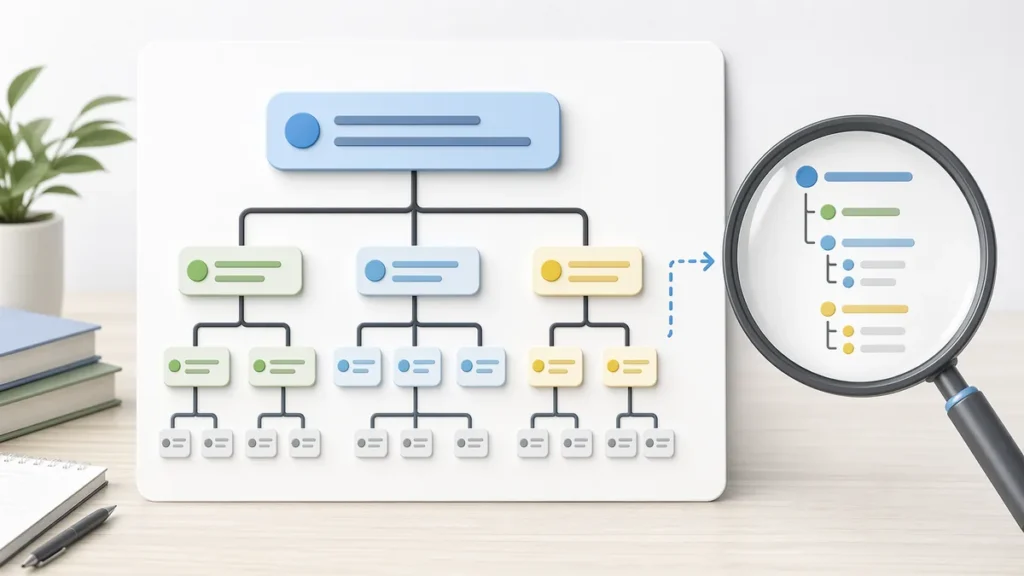
After the H1, the hierarchy of H2s and H3s tells Google how the content is organized. Think of it as a book’s table of contents: if someone reads it in 30 seconds, they should understand what the article covers and what subtopics it includes.
H2s should cover the main topics someone would expect to find in a comprehensive guide on the keyword. H3s are the subpoints under each H2. H4s and below exist, but you rarely need them.
A practical trick: search your keyword in Google and look at the “People also ask” box and autocomplete suggestions. Those questions are exactly what users want resolved. Turning them into H2s or H3s is a direct way to improve the topical coverage of the page.
6. Topical coverage: the difference between ranking and not ranking
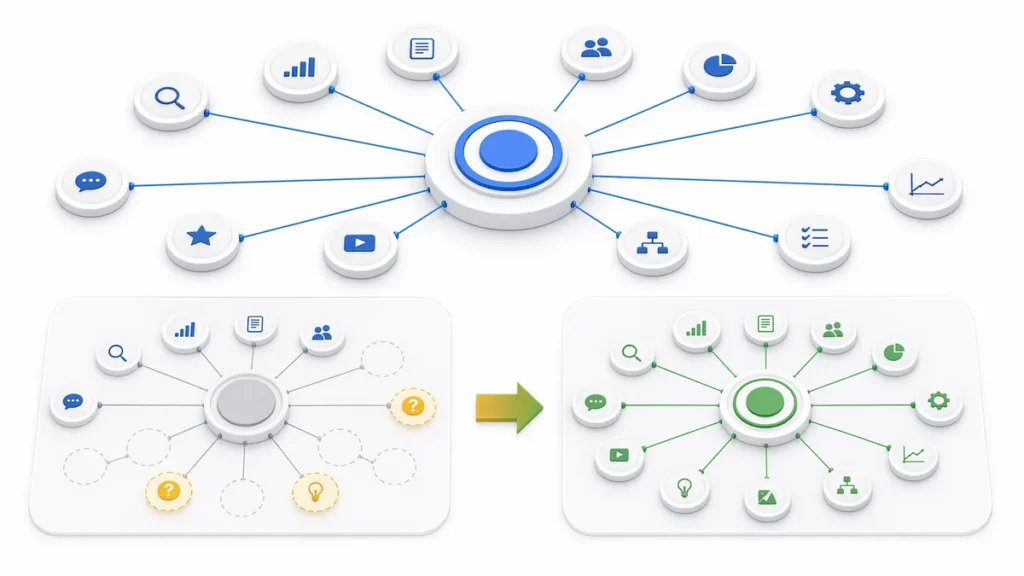
An analysis of more than one million SERPs found that topical coverage — how deeply and completely a page covers related subtopics, entities, and questions tied to the primary keyword — is the on-page signal most correlated with higher rankings. Sites with strong topical relevance tend to rank 30-50% higher for long-tail searches compared to competitors with shallow content.
This doesn’t mean writing 5,000-word articles by default. It means covering what the user needs to know so they don’t have to search somewhere else.
One way to check: write your article, then search the primary keyword and compare what subtopics the top 3 results cover that you haven’t. Those are the gaps costing you positions.
Wisseo’s content analysis tool runs this comparison automatically, identifying the topics your competitors cover that you don’t.
7. The URL: shorter than you think it needs to be
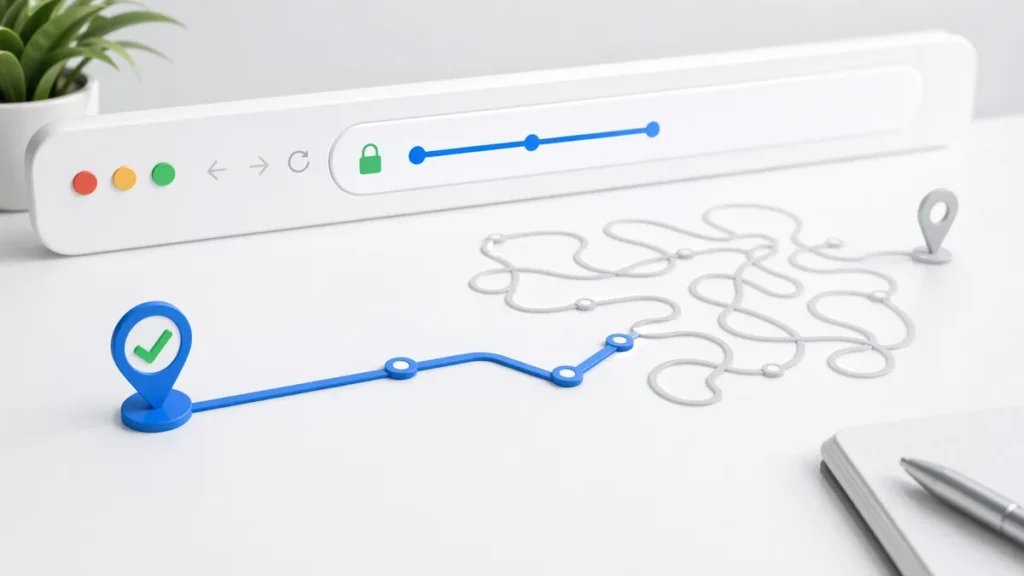
Clean, descriptive URLs help rankings for two reasons: they tell Google what the page is about, and they give users more confidence to click when they see the result.
The practical rule: the URL should contain the primary keyword and nothing else that isn’t strictly necessary. No dates, no ID numbers, no filler words.
- Good:
/on-page-seo - Less good:
/blog/2024/03/15/the-best-on-page-seo-tactics-for-this-year
One data point that surprises many people: correlation studies show CTR drops 15% when URLs exceed 60 characters. A long URL doesn’t just look untrustworthy — it also gets truncated in search results.
If you have long URLs on existing pages that already have traffic, don’t change them without a 301 redirect. Changing the URL without a redirect throws away that page’s accumulated authority.
8. Internal links: the most underrated on-page asset
Internal linking is possibly the on-page tactic with the best impact-to-effort ratio. And most websites do it poorly or don’t do it at all.
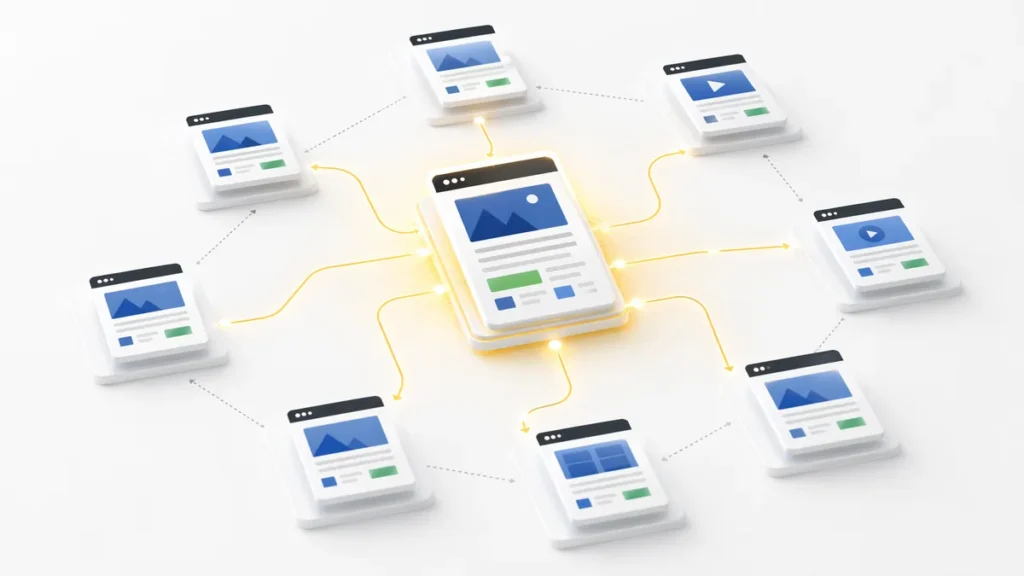
Internal links do three things simultaneously: they help Google discover and understand your site’s architecture, they distribute authority from pages with more backlinks toward pages that need a boost, and they keep visitors on the site longer.
What matters here isn’t the number of internal links but the anchor text. The anchor text tells Google which keywords you want associated with the destination page. “Click here” tells it nothing. “On-page SEO guide” does.
One way to find internal linking opportunities you’re probably missing: search in Google using the operator site:yourdomain.com "keyword of the page you want to rank". The pages that mention that keyword are natural candidates for adding an internal link.
9. E-E-A-T: the trust signal Google can’t ignore
E-E-A-T stands for Experience, Expertise, Authoritativeness, and Trustworthiness. These are the criteria Google’s Quality Raters use to evaluate whether a page deserves to rank in the top results.
It’s not a single ranking factor. It’s a cluster of signals that accumulate, and Google weights it especially heavily for YMYL (Your Money Your Life) topics: health, finance, legal, news.
How E-E-A-T shows up on a page:
- Visible author with a real biography and credentials
- Sources cited and linked (not just mentioned)
- Publication date and last updated date visible
- Personal experience or first-hand evidence (original studies, data, real case studies)
- HTTPS and basic security signals
In 2026, Google’s algorithms use AI to check author and entity profiles. Anonymous content with no authorship signals struggles far more to rank in any minimally competitive category.

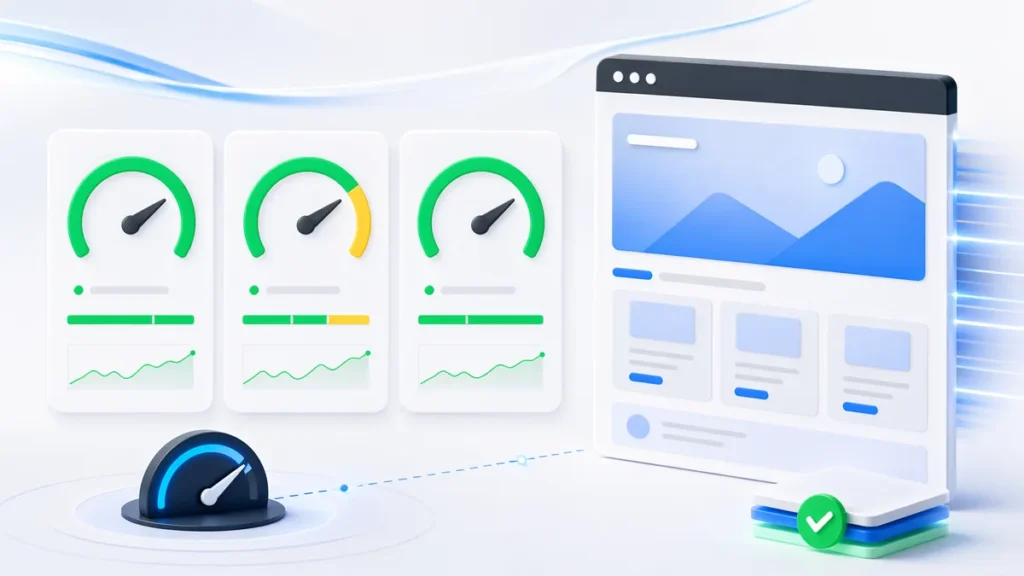
10. Core Web Vitals: the speed that isn’t just speed
Core Web Vitals are the metrics Google uses to measure user experience in technical terms. They’re not the most important on-page factor — they act more as a tiebreaker between pages with similar content quality. But that tiebreaker does have consequences.
The three current metrics are:
| Metric | What it measures | “Good” threshold |
|---|---|---|
| LCP (Largest Contentful Paint) | Load speed of the main element | Under 2.5 seconds |
| INP (Interaction to Next Paint) | Response to user interactions | Under 200ms |
| CLS (Cumulative Layout Shift) | Visual stability during load | Under 0.1 |
INP replaced FID in March 2024 and is currently the hardest to pass: 43% of websites still fail this metric. If your site loads reasonably fast but feels “slow” when users interact with it (fill out a form, click a menu), INP is likely the culprit.
The indirect business impact of speed: every one-second delay in page load can reduce conversions by 7%.
11. Image optimization: four things most people ignore
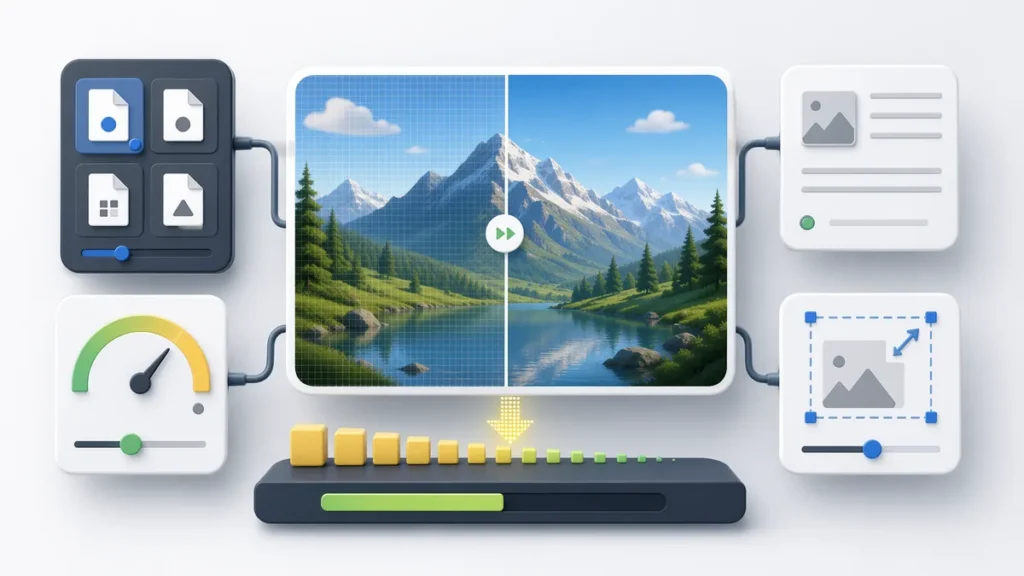
Images have four independent on-page levers. Each does something different.
Format. Using WebP or AVIF instead of JPEG or PNG reduces file size by 25-50% while maintaining the same visual quality. One documented case showed that switching from JPEG to AVIF reduced load times from 3.5 to 1.7 seconds, increased session duration by 30%, and improved organic rankings by 20% within three months.
Alt text. Describe the image as if you were explaining it to someone who can’t see it. Include the page keyword when it’s natural. Don’t force it: “on-page SEO image” isn’t a description, it’s filler.
File size. Target: images under 100KB for standard content. Tools like Squoosh (from Google) compress without visible quality loss.
Dimension attributes. Always declare width and height in the HTML. Without these attributes, the browser doesn’t know how much space to reserve while the image loads, which causes layout shifts that penalize your CLS score.
12. Schema markup: the language Google appreciates
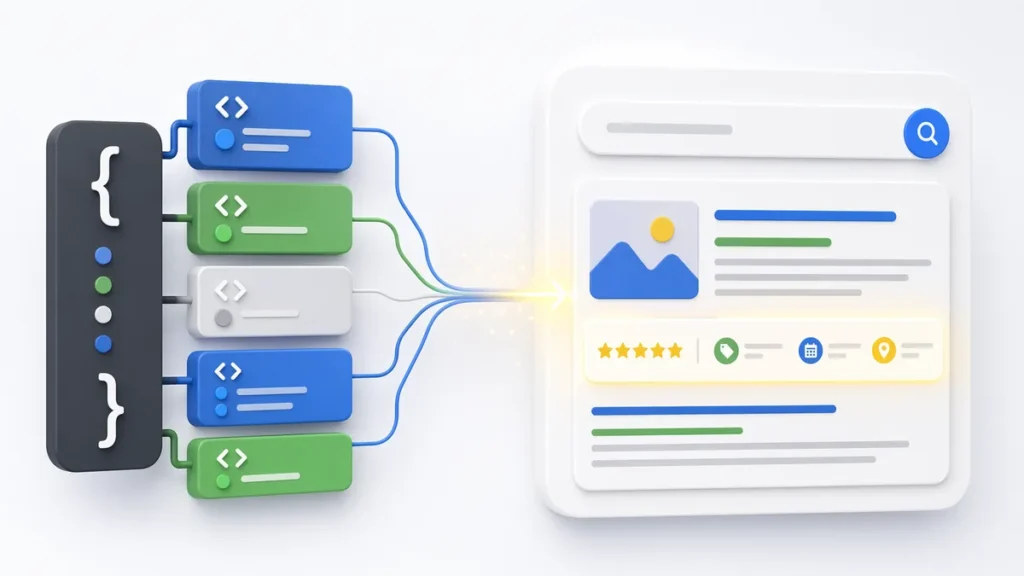
Schema markup is JSON-LD code you add to pages to tell Google exactly what type of content they contain: an article, a recipe, a product, a review, a FAQ. It’s not a direct ranking factor, but it achieves two concrete things: it increases the chances of appearing in rich snippets (which take up more space in results and have higher CTR), and it improves how Google understands and indexes the content.
The most useful schema types for most sites:
ArticleorBlogPostingfor editorial contentFAQPagefor question-and-answer pages (generates the expandable dropdown in results)Productfor ecommerceLocalBusinessfor businesses with a physical presenceHowTofor process guides
Wisseo’s schema generator tool produces the JSON-LD ready to paste without touching any code. After implementing it, verify it’s working correctly with Google’s Rich Results Test.
13. Above-the-fold content: the first 100 words matter more than you think
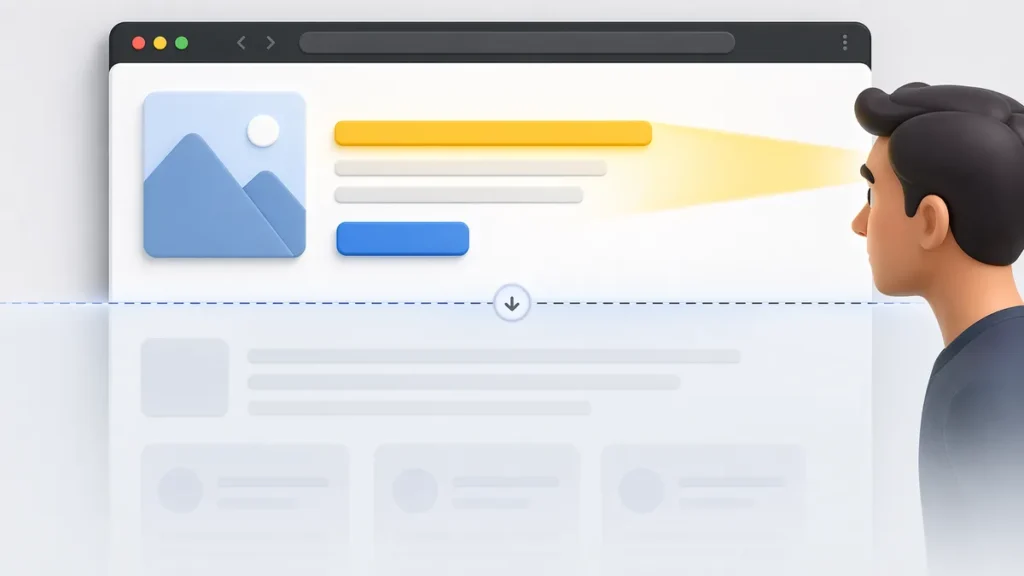
Above the fold is the part of the page visible before scrolling. It’s where you decide whether the user stays or goes back to the results.
The first paragraph of a page needs to do one thing: confirm to the user that they’ve landed in the right place. Not start with historical context. Not start with a rhetorical question. Not start by telling the user what they’re going to learn throughout the article as if it were the preface to a book.
The structure that works: directly answer the implicit question behind the keyword, then expand.
If someone searches “how to do keyword research” and lands on your page, the first paragraph should contain something like “Keyword research comes down to three steps: [X], [Y], [Z]. This guide walks through each one with tools and real examples.” Not two paragraphs about the importance of SEO before getting to the point.
Google uses above-the-fold text to generate the snippets that appear in search results. If that text is vague, the snippet will be vague, and CTR will fall.
14. Mobile-first: no longer optional, it’s the baseline
Google uses the mobile version of your site as the sole basis for indexing and ranking. Not the desktop version. The mobile one.
With more than 75% of web traffic coming from mobile devices, this means that if your mobile version has different content, loads slower, or is harder to navigate, your ranking reflects that degraded version — not the polished one you see on your laptop.
Quick mobile checklist:
- Content is identical on mobile and desktop (don’t hide sections on mobile “to simplify”)
- Buttons have at least 44px of tap target area
- No text that requires zooming to read
- Images don’t overflow the viewport
- Load time on 3G is under 3 seconds (test it with PageSpeed Insights)
15. Content updates: the ranking that decays on its own
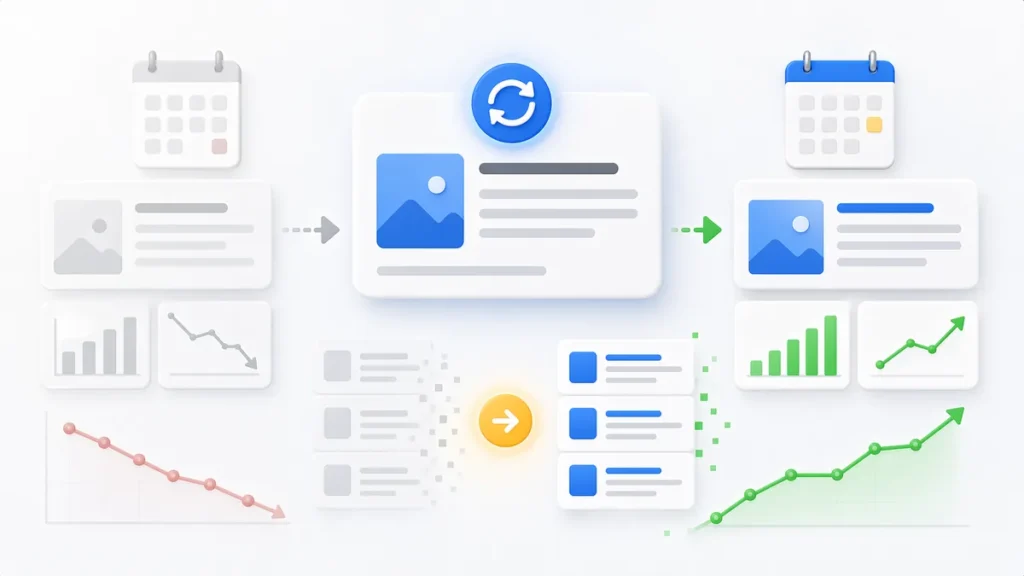
Published-and-forgotten content loses ranking gradually. Not because of anything you do, but because the ecosystem around it changes: competitors publish better articles, the data you cite becomes outdated, keywords evolve, new related searches emerge.
Google weights content freshness differently depending on the type of query. For searches where recency matters (news, prices, statistics, technical guides), a 2022 article without updates competes at a disadvantage against one updated in 2025, even if the older one has more backlinks.
What “updating” actually means in practice:
- Review and correct statistical data with current sources
- Add subtopics or questions that have emerged since publication
- Remove sections that have become obsolete
- Update the visible last-modified date (and make sure the
dateModifiedschema field updates too)
What doesn’t work: changing the date without touching the content. Google detects cosmetic updates.
A practical signal for when to update: open Search Console, filter for pages that have lost more than 20% of clicks over the last three months compared to the previous quarter. Those pages are your priority candidates.
How to use these 15 tactics without losing your mind
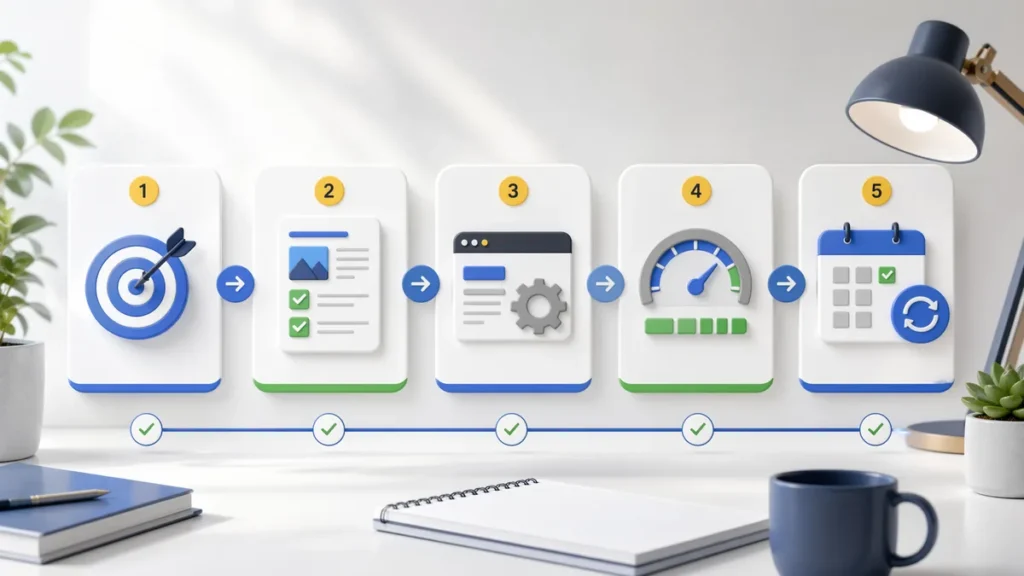
Nobody optimizes 15 things at once. In practice, the process has a logical order:
- First, search intent. If the page doesn’t match what the user is looking for, nothing else matters.
- Second, content and topical coverage. The page has to cover the topic better than what’s ranking above you.
- Third, technical on-page elements. Title tag, H1, URL, heading structure, schema.
- Fourth, UX and speed. Core Web Vitals, mobile-first, optimized images.
- Fifth, maintenance. Periodic updates, CTR review in Search Console, internal link optimization.
To identify which pages on your site need the most attention at each of these levels, Wisseo’s SEO audit tool scans your site and prioritizes issues by impact, so you’re not spending time fixing things that don’t move rankings.
On-page SEO isn’t a race with a finish line. It’s continuous maintenance with data-driven adjustments. The good news is that most of these changes are completely within your control — no waiting for someone to link to you, no waiting for Google to update its algorithm.Compartir