

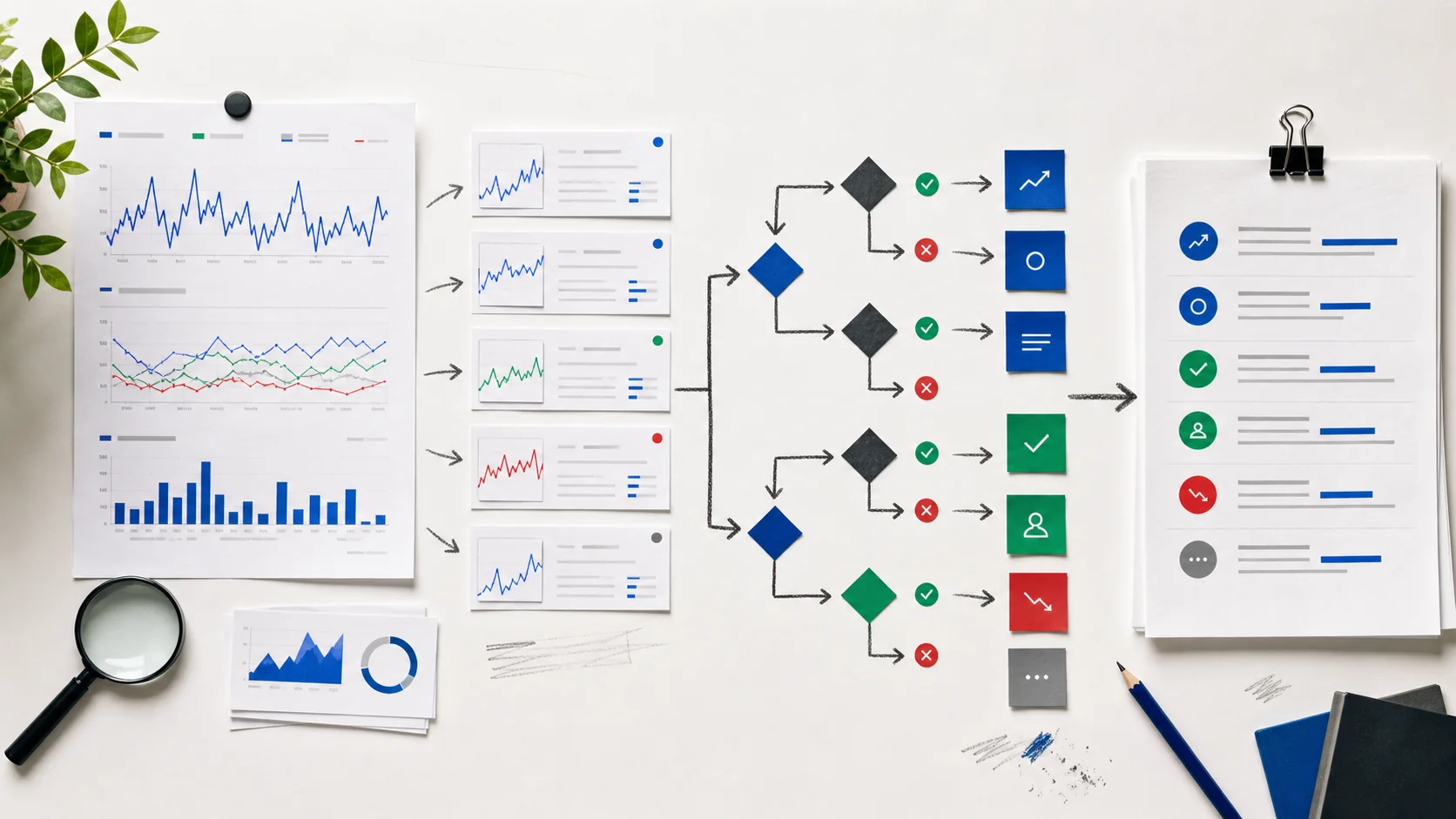
Google Search Console becomes much more valuable when you stop treating it as a dashboard and start treating it as a decision system. A dashboard tells you what happened. A decision system tells you what to do next, what to ignore, and when to wait.
The problem is not that Search Console lacks data. The problem is that most teams open the Performance report, stare at clicks, impressions, CTR and average position, and then jump straight to “traffic is up” or “traffic is down.” That is reporting, not decision-making.
Search Console Decision EngineTurn trends into a diagnosis, a priority and the next SEO action.Open tool
Search Console Decision Engine
Action priority
Snippet and SERP CTR problem
Use this as a decision aid. Search Console does not prove revenue, conversions or causality by itself.
The dashboard trap

A Search Console dashboard is useful for orientation. It shows whether a site is gaining or losing visibility, which pages receive search demand, and which queries Google associates with those pages. But those numbers do not automatically tell you whether to rewrite a title, build a new page, repair indexation, update content, improve internal links or leave the page alone.
Google’s own documentation defines the core metrics clearly: impressions, clicks, CTR and average position. It also explains that position is an average of the topmost result for your property and that data can be attributed to the canonical URL. That detail matters because the same trend can mean different things depending on aggregation, canonicalization, device, country and query mix.
What Search Console can and cannot decide
Search Console is excellent for answering four SEO questions: whether Google is seeing a page, whether a page is being shown, which queries trigger it, and whether users click when they see it.
It is weaker at answering business questions alone. It does not tell you profit margin, lead quality, close rate, sales cycle or whether a user who clicked later converted through another channel. For that, you need analytics, CRM data and a good SEO reporting process. We covered that difference in our article on what makes a good SEO report.
The five decisions hidden inside GSC data
Most Search Console analysis should end in one of five decisions:
Do not analyze metrics in isolation
A drop in clicks is not one diagnosis. It could be lower rankings, lower demand, lower CTR, a changed SERP, lost indexation, a different country mix, a query mix shift or a conversion problem masquerading as an SEO problem.
That is why the unit of analysis should be the page-query cluster: one URL, the group of queries it is meant to serve, and the business value of that intent. Looking only at the sitewide graph is how teams end up rewriting pages that were not broken.
The decision matrix
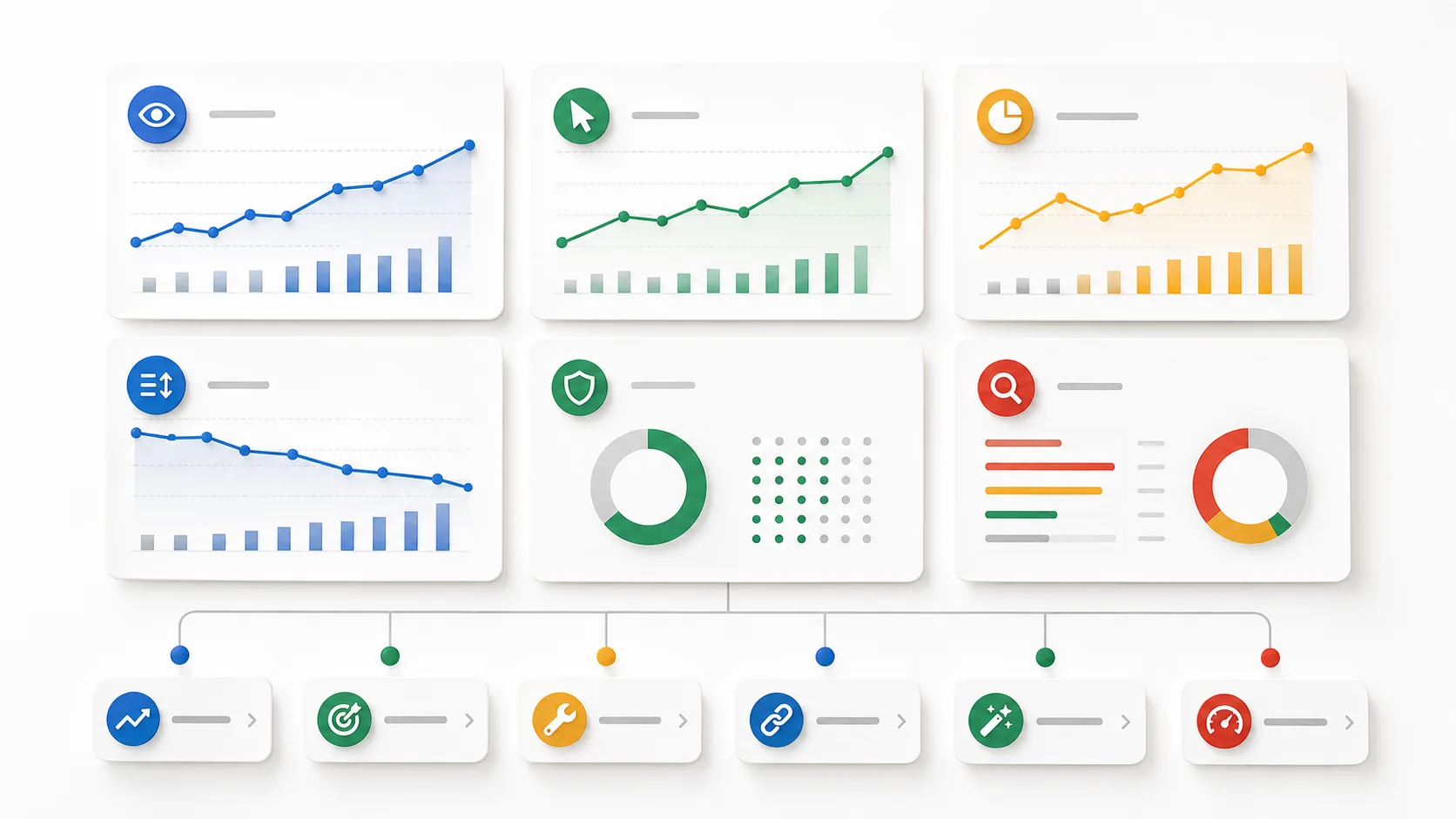
| Pattern in Search Console | Likely diagnosis | First decision |
|---|---|---|
| Impressions stable or up, position stable, CTR down | Snippet or SERP click problem | Inspect the live SERP, then test title, meta description and opening angle. |
| Impressions up, position worse, clicks flat | Demand is growing but the page is not strong enough | Improve relevance, depth, internal links and supporting content. |
| Clicks down and position down on a valuable page | Ranking, relevance or competitor pressure | Compare winning pages, refresh the page and strengthen internal authority. |
| Impressions and clicks collapse on one URL group | Indexing, canonical or technical issue | Validate URLs, check changes, crawlability, canonicals and templates. |
| Many queries sit in positions 8-20 | Expansion opportunity | Create sections, supporting pages and internal links around the strongest query groups. |
| Traffic is healthy but leads are weak | Business or conversion bottleneck | Work on landing page, offer, proof, forms, tracking and follow-up. |
Use complete comparisons, not noisy days
Search Console lets you compare periods and segment data by page, query, device, country and search appearance. Use that power carefully. Compare complete periods, avoid overreacting to the newest preliminary data, and separate branded from non-branded queries when possible.
Google also notes that Performance report tables and chart totals can differ depending on aggregation and privacy handling. The Queries tab can hide rare queries, and bulk exports to BigQuery are useful for larger sites that need more complete daily rows. Those are not small footnotes; they change how confident you should be before assigning work.
A weekly Search Console operating system

Monday: compare the last 28 complete days with the previous 28 days. Exclude brand if it distorts the picture.
Tuesday: group the biggest movements by page-query cluster, not by isolated keyword.
Wednesday: classify each issue as technical, snippet, relevance, expansion, waitlist or conversion.
Thursday: ship one to three changes. Do not create a giant backlog that nobody owns.
Friday: annotate what changed, define the measurement window and decide what should be reviewed next week.
How to prioritize when everything looks important

Prioritize by commercial value, confidence and reversibility. A high-value service page with stable impressions and falling CTR deserves action before a low-intent blog post with noisy movement. A page with a canonical problem deserves action before a vague content refresh. A change that can be tested safely should move before a sitewide template rewrite.
This is also where a broader audit helps. If Search Console keeps pointing to technical constraints, weak internal links or thin commercial pages, connect the analysis with a full online marketing audit instead of treating every URL as a separate task.
Turn reports into decisions people can own
A good Search Console note should not say “clicks dropped 14%.” It should say: “Clicks dropped 14% on three commercial pages. Impressions are stable, positions are stable, CTR fell, and the SERP now shows more ads and AI elements. Decision: rewrite snippets and inspect whether the page promise still matches the query.”
That second version creates an owner, an action and a measurement window. It also prevents the common mistake of publishing more content when the real issue is a snippet, conversion path or indexation problem.
The system in one sentence
Use Search Console to identify the SEO bottleneck, analytics to validate the business impact, and a weekly decision rhythm to turn data into shipped work. That is how GSC stops being a dashboard and becomes part of the operating system of SEO.